How to Remove Asian Flush From Your Photos Without a Red Flush App!

Share this article
Copy and paste this link
You're out with friends, someone grabs what would've been a great photo — and there you are, glowing like a fluorescent tomato. If alcohol turns your face red, that shouldn't have to ruin an otherwise perfect picture.
The good news: you can tone down the redness in a flushed-face photo in about a minute, and you don't need a special app to do it — just Photoshop, or any editor that lets you adjust the hue and saturation of a single colour channel. Here's exactly how.
One honest note before we start, though: editing the photo fixes the picture, not the flush. That red face is your body reacting to alcohol — specifically, a build-up of acetaldehyde it's struggling to clear, which is why your face turns red when you drink. Touching up a photo is a perfectly fine quick fix for a night out. But if the flush shows up every time you drink, it's worth understanding and addressing the cause — which we'll get to at the end.
Here's a quick video walkthrough for fixing a single flushed face in a photo:
How to Remove Asian Flush From a Photo in Photoshop
- Open the photo you'd like to edit in Photoshop and duplicate the layer.
- With the new layer selected, add a Hue/Saturation adjustment. "Master" is selected by default — change it to "Reds" so you're only affecting the reds in the photo rather than the whole image.
- Using the Eyedropper, select the reddest part of the flushing you want to reduce. Push the Saturation slider all the way to the right so you can clearly see exactly what you'll be adjusting, then use the slider markers to capture the full range of the redness. Once you're happy with the selection, return the Saturation slider to its normal central position.
- Slightly increase the Lightness, and nudge the Hue slider towards the blue end until the red cools down to a natural skin tone.
- Duplicate this adjustment layer until the redness is gone. You can fine-tune the sliders on the duplicates so the skin still looks natural rather than washed out.
- When you're happy with the result, group the layers together (Command/Ctrl + G) and add a layer mask.
- With a black brush, paint back over the lips to restore their natural red — this reverts just that area without undoing the rest of your edit.
And that's it. A few seconds' work and you're left with a great-looking photo.
What About Red Flush Apps?
If you've searched for a "red flush app," most of what you'll find are photo editors that do exactly what the Photoshop steps above do: selectively desaturate the reds in your skin. They're convenient, but they don't do anything you can't do yourself, and — like any photo edit — they only change the image, not the reaction behind it.
So if you're comfortable with a couple of sliders, you don't really need a dedicated app at all. Either way, you're editing the evidence after the fact rather than dealing with the flush itself.
A Better Fix Than Editing Every Photo
Touching up one picture is easy enough. But if you find yourself reaching for Photoshop after every night out, the redness itself is the thing worth addressing — not just the photos of it.
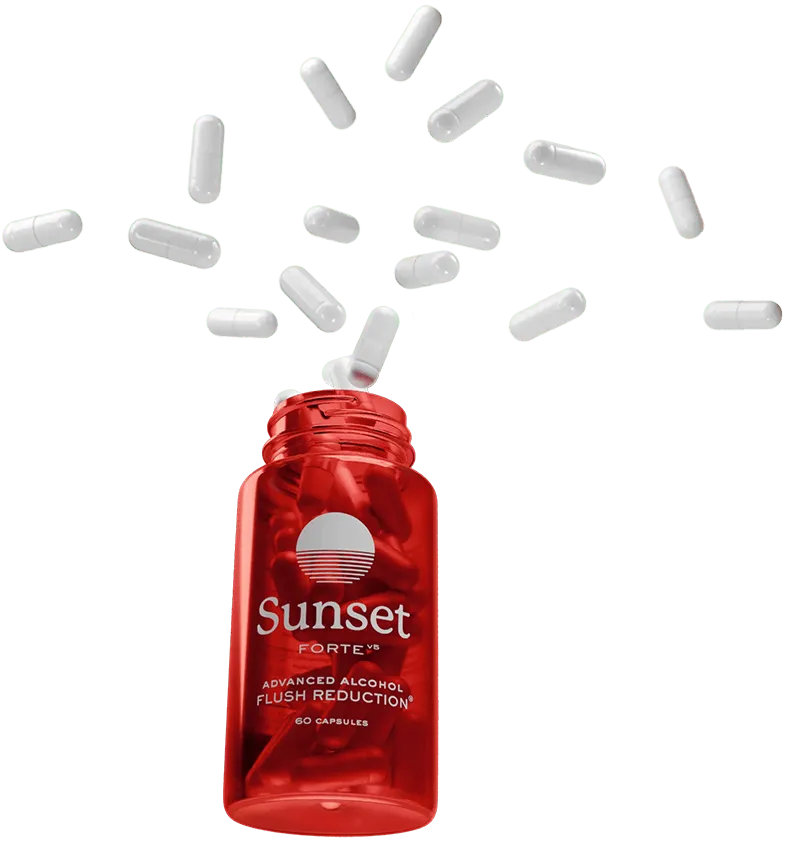
Whether your red face after drinking comes from ALDH2 deficiency or alcohol intolerance, the underlying issue is the same: acetaldehyde building up faster than your body can clear it. That's the process Sunset Alcohol Flush Support is formulated to support — your body's acetaldehyde clearance — so you're working on the reaction itself rather than retouching it afterwards. It won't rewrite your genetics, but for many people it means fewer flushed-face photos to fix in the first place.
If you'd rather get ahead of the flush than edit it out later, it's worth giving Sunset a try. And if you'd like to skip the editing route entirely, our guide to DIY ways to reduce Asian flush covers the at-home options honestly.
Want to learn more about living with this condition? Take a look at our articles on Asian glow patches, the Asian flush cancer risk, why your nose gets stuffy when you drink, and how to choose the best alcohol for Asian flush.
Enjoy your social life again — get Sunset Alcohol Flush Support for
33% off while stocks last!
What's inside?
Sunset Forte uses a carefully formulated blend of Glutathione, Dihydromyricetin, Cysteine, L-Theanine, & B Vitamins to support natural acetaldehyde processing and a clearer, less-flushed look.
Learn more
94% of people who try Sunset are satisfied.